

Market Vision
This data source connector uses the Market Vision API (opens in a new tab) to extract Market Vision projects (opens in a new tab) and their corresponding Forms, Questions, Categories, and Fieldsets.
The data is extracted incrementally, so only data that has been changed since the last run is fetched. The component has backfill implemented, meaning that if not all data could be fetched in the first run due to large amounts of data, it will be fetched in the following runs.
Configuration
Section titled “Configuration”Create a new configuration of the Market Vision connector. Then fill in the Access/API Token to authorize the configuration. The process to get the Access Token is done via an API request (opens in a new tab).
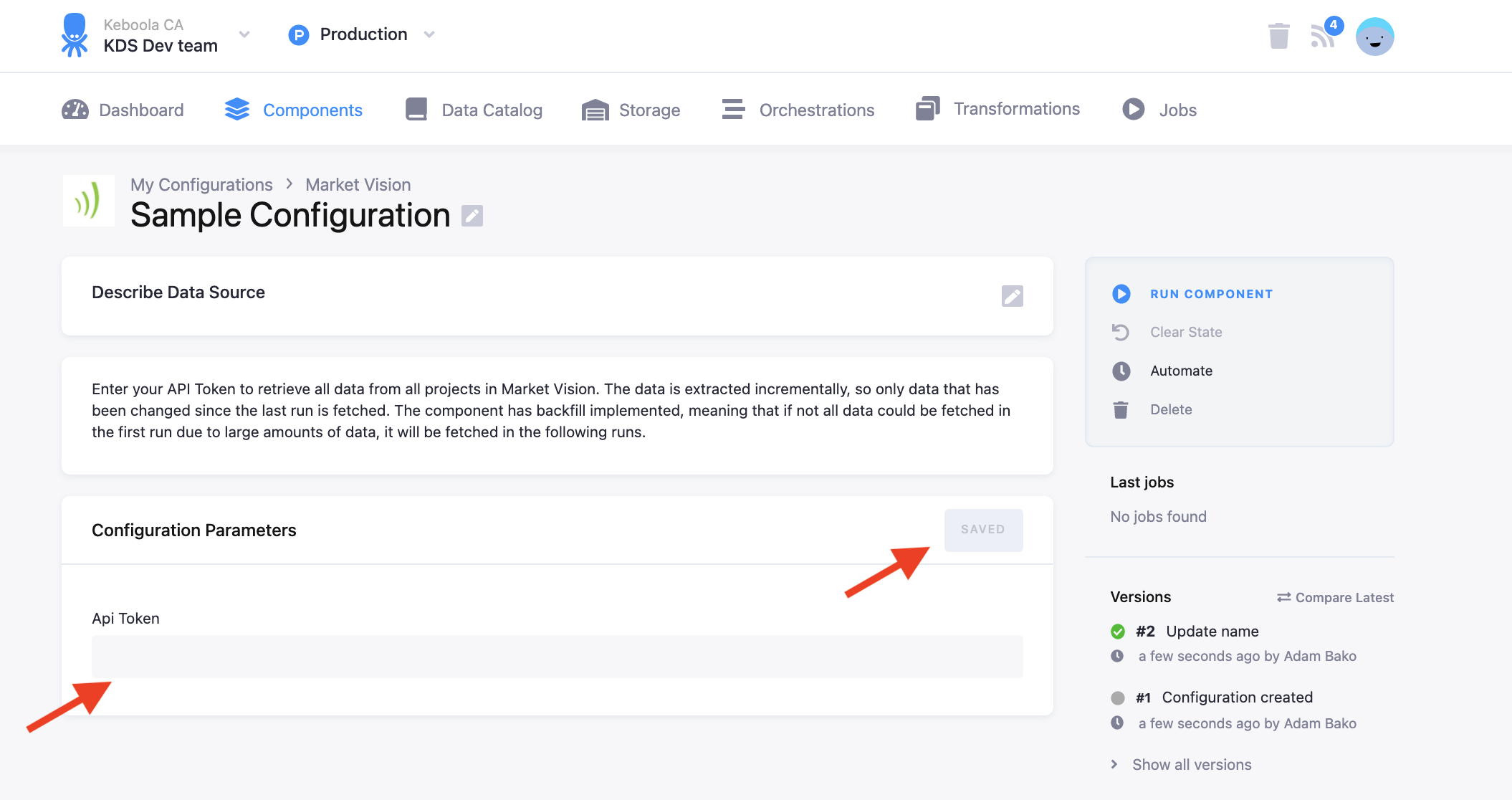
Once the API Token is filled in, save the configuration and you can run the component. If you have a lot of data in Market Vision, it might take a couple of runs to extract all the data. You can see that the backfill has finished by not seeing the message “MAX RUNTIME of component has almost been reached, saving data. Rerun the component to let backfill fetch all of your data”
Data output
Section titled “Data output”The data is extracted into the following tables:
Table Form Details (opens in a new tab):
- project_form_detail_questions
- project_form_detail_index
- project_form_detail
Project Form Fieldsets (opens in a new tab):
- project_form_fieldsets
Project Form Categories (opens in a new tab):
- project_form_categories
Project Form Questions (opens in a new tab):
- project_form_questions